The National Education Management Information System (NEMIS) is Kenya’s official online data management platform for the education sector.
It is a web-based solution that collects and processes data from schools and other educational institutions, providing a solid foundation for effective management.
The system ensures that every learner counts by tracking student enrollment, academic progress, and mobility of learners and teaching staff.
NEMIS also helps education authorities allocate resources efficiently, monitor school infrastructure, track textbooks and school feeding programs, and facilitate informed decision-making at both county and national levels.
In this guide, we explain how to check a student’s NEMIS number online, register schools and students on NEMIS, and understand the platform’s multiple modules and functionalities.
Why the NEMIS Number Matters
A NEMIS number is a unique identifier assigned to every student in Kenya. This number stays with the learner throughout their education journey and is used to:
- Track school enrollment and student transfers
- Register learners for national exams
- Monitor attendance and performance
- Facilitate allocation of resources, scholarships, and bursaries
- Provide accurate education statistics for national and international reporting
Because it is linked to a unique algorithm-generated ID, a NEMIS number ensures that each student’s data is secure and traceable.
Who Can Access the NEMIS Portal?
NEMIS is designed for multiple users in the education sector:
- Government agencies – for data collection, resource allocation, and decision-making
- School managers – to monitor teacher attendance, student performance, and school operations
- Teachers – for academic record management, student registration, and reporting
- Students and parents – to access performance records and attendance information
Access to NEMIS requires proper authorisation, usually provided to school administrators or teachers.
How to Check a Student NEMIS Number Online
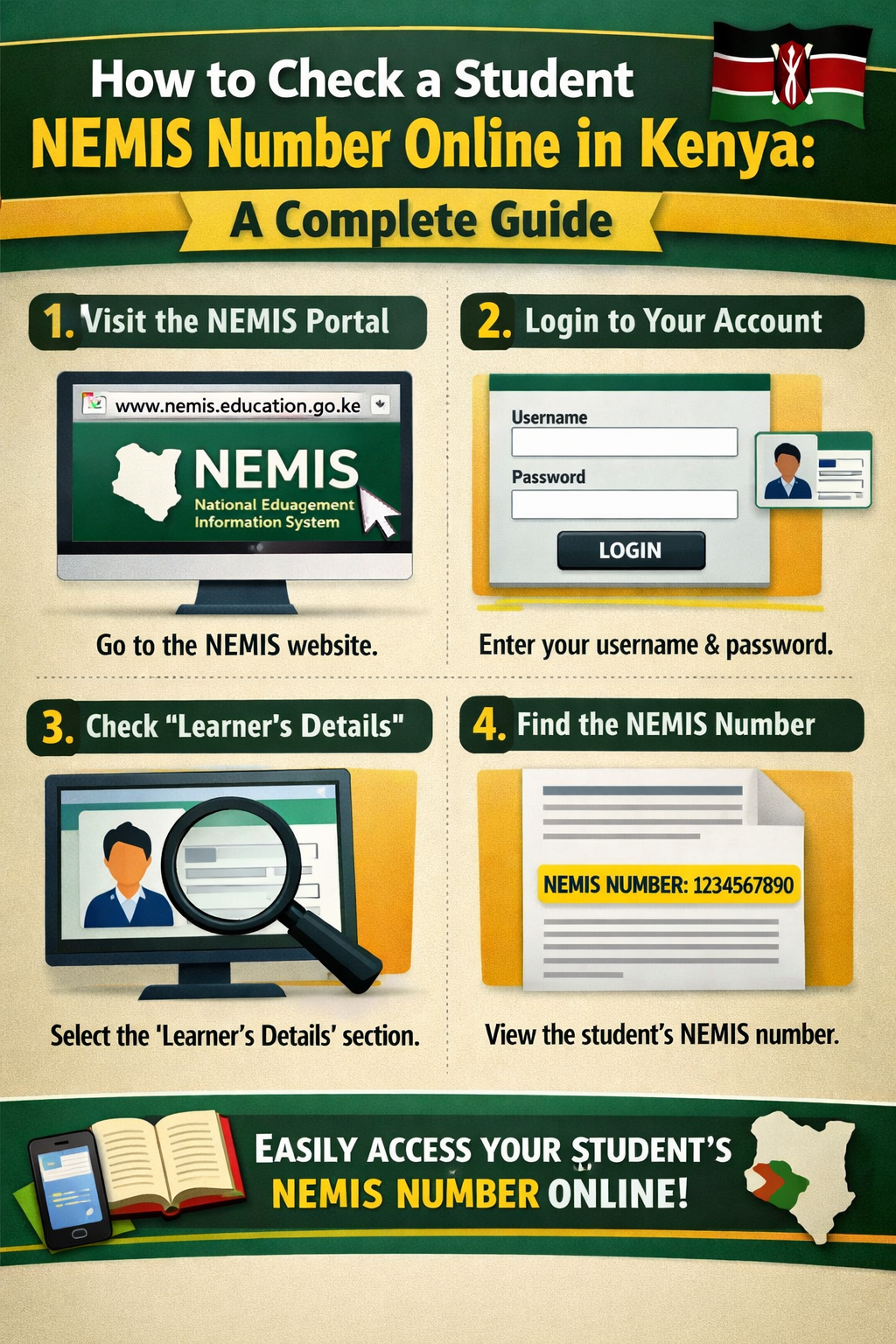
Checking a student’s NEMIS number can be done through the official NEMIS portal. Here’s a step-by-step guide:
Step 1: Prepare the Required Documents and Equipment
To access NEMIS, you need:
- A computer or laptop (Windows 7/10 preferred)
- Stable internet connection (minimum 3G or 2 Mbps)
- A digital camera for student photos
- Student’s birth certificate
- National ID cards (for staff registration)
- Official school registration details
Step 2: Access the NEMIS Portal
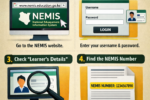
- Go to the official NEMIS website: http://nemis.education.go.ke
- Log in using your school account credentials (UPI and password)
- Navigate to the student registration or learner module
Step 3: Retrieve the NEMIS Number
- Search for the student using their KCPE index, admission number, or personal details
- Select the student profile
- An OTP (One-Time Password) may be sent to your registered phone
- Enter the OTP to verify access
- The NEMIS number will appear on the student’s profile
For parents, the easiest approach is to contact the school directly, as schools have full access to the NEMIS database.
How to Register a Student on NEMIS
Before a NEMIS number can be retrieved, the student must be registered. Here’s how:
- Log in to the NEMIS portal using the school’s account
- Go to the student registration section
- Enter student personal details (name, date of birth, gender)
- Input academic details (grade, subjects, class)
- Add parent/guardian information
- Verify all details and submit for confirmation
- Upon successful registration, the student will be assigned a NEMIS number
For Form 1 students, schools can use admission letters or reporting documents to register students and capture their KCPE index numbers in the portal.
How to Register a School on NEMIS
Schools must be registered before student registration is possible. Steps include:
- Go to the NEMIS registration section
- Select new school registration
- Fill in school details (name, type, ownership, infrastructure)
- Add staff information (number of teachers, qualifications)
- Provide legal documents (school registration certificate, license)
- Provide a valid email address for official communication
- Submit the application and wait for confirmation
NEMIS Modules
The NEMIS platform has several modules designed for different users:
- Organization/School Module – manages school details, facilities, and staff
- Student Portal – tracks student personal and academic records
- Financial Module – monitors school budgets, resources, and expenditures
- Teacher’s Module – manages teacher qualifications, performance, and specialisation
- Examination Module – generates results, schedules exams, and tracks grading
- Data Reporting – generates reports for informed decision-making
The portal also includes GIS components for geographical analysis of education indicators and allows integration with other education agencies for data sharing.
Tips for Safe and Effective NEMIS Use
- Always ensure the portal is accessed through the official NEMIS website
- Keep your login credentials secure
- Regularly update student records to reflect transfers, admissions, or graduations
- Ensure privacy and confidentiality when handling student data
- Contact the Ministry of Education or the local education office if there are any registration issues
Conclusion
The NEMIS platform has revolutionised the management of education data in Kenya. By allowing schools, teachers, and government agencies to track students, teachers, and resources, it ensures efficiency, transparency, and informed decision-making.
Checking a student’s NEMIS number online is straightforward if the school is properly registered and all data is up to date. Parents, teachers, and administrators should leverage this platform responsibly to improve education management and ensure every learner counts.